Get Your Kitchen Crew Posting Behind-the-Scenes Moments
Assign one cook per shift to shoot prep, family meal, plating, and the line. The feed stays current without you holding the phone.
The kitchen is working and the feed is last week's plate
Prep is on the board by three. Family meal hits the lowboy before the doors open. Someone finishes a plate at the pass. A crate comes in the back door. The grill cook already knows which dish they tell friends to order. None of that reaches Instagram or Facebook if you are the only person holding the phone.
You are on the floor, in the office, or not in the building. The crew is standing at the station while the moment is still true. By the time you remember, service has started and the feed is still last Thursday's pasta.
This post is the work, and who on the crew captures it. A name, a job, and one fact about a person is a different post: staff spotlight posts. Do not turn a prep photo into a portrait the cook did not agree to.
Shoot the work that is already happening
You do not need a shoot day. You need one thing the kitchen is already doing today.
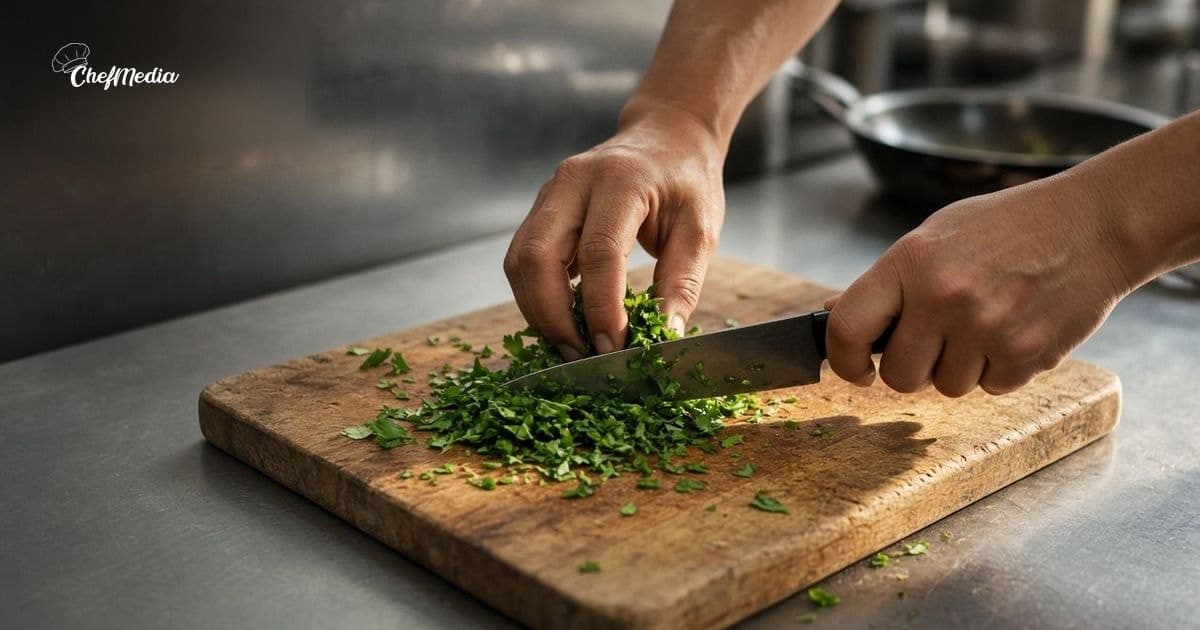
- Prep. The board, the knife, the herbs, the dough. One station, close. A doorway shot of the whole kitchen makes the work look far away.
- Family meal. The pan on the lowboy, or the table in the back, before service. Say it is for the crew, or a guest will read it as a special they can order.
- Plating. A hand finishing one dish the way it leaves the pass. Use the portion a guest will get.
- The line during a rush. Tickets, pans, the pass. Nobody should stop a fire for a photo. One frame between tickets is enough. If that is not possible, shoot the station five minutes before the first ticket.
- A delivery. The crate on the steel table, the fish on ice, the produce that just came in. Turn any case so a vendor name is not in the middle of the frame. Leave the invoice out.
- A cook's favorite dish. The plate they tell friends to order, with their words in the caption. If they do not want a face or a name, the dish still carries the post.
Five frames of one of those is enough. You do not need all six in a week.
How to shoot that on a phone is the habit you already use for a special. Stand by a window or an open door. Turn the harsh overheads down if the food looks gray. Fill the frame with the station and the hands. If a tap, a box, or a bottle puts another company's mark in the middle, move the frame.
Name who holds the phone
"Everyone should post" means nobody posts, and then it lands back on you. Pick one person per shift before the week starts. Write the name on the prep list, next to the other jobs.
- The opener shoots prep or the delivery, before the board is cleared.
- Whoever runs family meal shoots that pan once, before it is gone.
- The person on the pass shoots one plate during a quiet minute.
"Maya: one photo of prep" is a station duty, like labeling the quarts. It takes two minutes. They post it themselves when the shift allows, or they leave the photo where the rest of the team can put it on the calendar. You look at it only if you want a second pair of eyes. If every frame waits for you, you are still the bottleneck, and the crew will stop taking them.
Ask before a face or a name goes on the feed. Hands at the station do not need a portrait. A cook who says no to being on camera can still shoot the board. One yes is not a yes for the next photo. Ask in person, the same way you would before a staff spotlight. If they change their mind, take the post down that day.
Say what the picture is, then stop
The caption is what you would tell a regular who asked what is happening in the back. Name the thing in the frame. Say whether a guest can order it. Then stop.
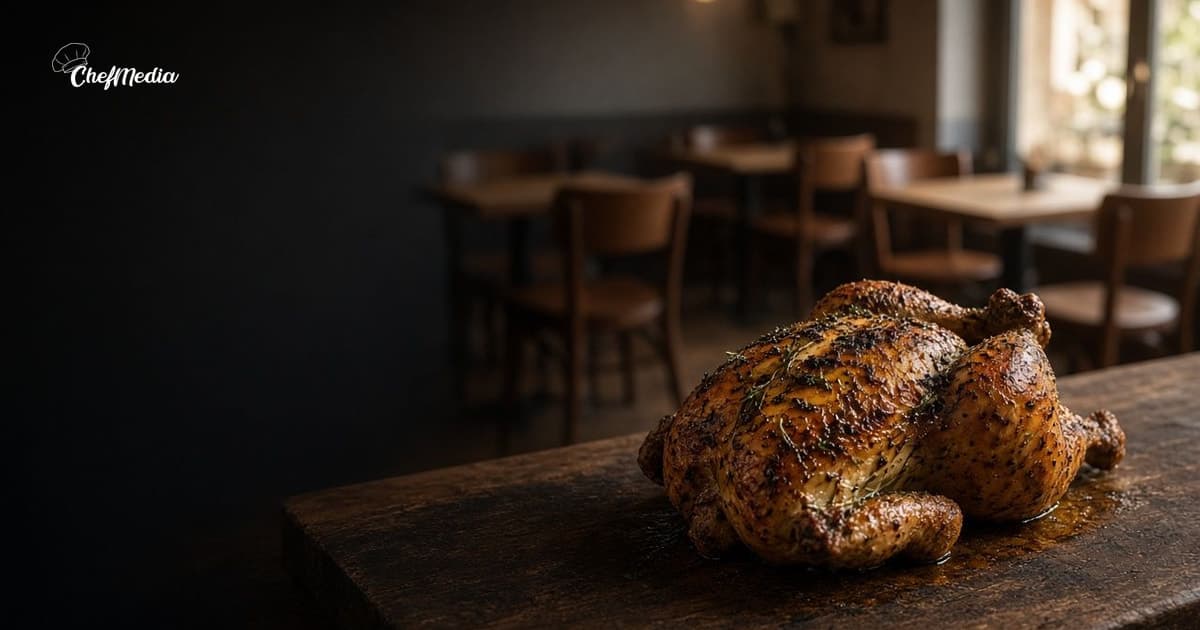
Prep for Friday. The herbs are going on the roast chicken. We open at 5, and that plate is on the menu.
Family meal is not a special. A delivery is not a promise that the fish is on tonight unless the board says it is. A rush photo does not need a speech. "Saturday night on the line" is enough when the picture shows the tickets.
Read it out loud. If it sounds like a slogan, cut it back to the dish and the hour. Captions that sound like you is the same rule you use at the door. Use the cook's word for the dish if they gave you one.
Post it when people are still deciding where to eat, not in the middle of the rush you just photographed. The photo can be from 3. The post can go out at 4:30. When to post is the clock: afternoon for dinner, late morning for lunch. Put the same words on Facebook.
Do it before the first ticket
You can set this up on the prep list, before service.
- Pick the moment that is real today: prep, family meal, plating, the line, a delivery, or the dish a cook tells people to order.
- Write one name next to it. Done means five frames, one station, and no face unless they already said yes.
- They shoot it while the station still looks like the one a guest would recognize. Keep the frame where the work is obvious.
- Write the caption the way you would say it at the pass. If a guest could order something you are not serving, fix the line.
- They post it to Instagram and Facebook, or they leave it for whoever handles the calendar that afternoon. Tell the door what you promised, if you promised a dish or a time.
If the cook on that station says the favorite will be gone by 6, trust that before the caption says it is on all night.
What to leave out
A behind-the-scenes post fails in a few familiar ways:
- The whole crew lined up in the office. That is not the kitchen, and it is not this post.
- A dirty floor, an open trash can, or a pan that is not the story. Guests will read that as the way you cook.
- A face or a name you did not ask about. Hands and the board are enough.
- A vendor logo, an invoice, or a case label you can read. Turn the box, or leave it out of the frame.
- A dish you are not serving. If the favorite is gone, do not post it as tonight's plate.
- Five posts in one afternoon, then nothing for a month. One or two a week is a habit the crew can keep.
If the only person who can publish is you, the habit is still you. Put the name on the prep list first.
One person, one moment, this shift
You are not asking the crew to run a marketing department. You are asking one person on the shift to point a phone at work that is already happening, and to put that frame where a regular can see it.
Name who shoots. Pick prep, family meal, plating, the line, a delivery, or the dish they tell people to order. Post one of those this week. Next shift, the next name on the list does the next one.
ChefMedia is social media posting, handled by your restaurant staff. Cooks upload the photo and post it to Instagram and Facebook themselves from one shared calendar, photos are tagged by dish automatically, storage is unlimited, an admin can set Posts need approval, and Write caption with AI runs only when someone taps it. Free for every restaurant. Sign up at chefmedia.ai (opens in a new tab).