Get servers and hosts posting moments from the floor
Assign one server or host per shift to shoot the room, the pour, and the reset. The feed stays current without you holding the phone.
The floor is in the moment and the feed is last week's plate
The host is seating the second turn. A server is pouring the wine they just opened. The bar is catching the last of the window light. The specials board is written. A birthday dessert is on its way out. None of that reaches Instagram or Facebook if you are the only person holding the phone.
You are at the pass, in the office, or not in the building. The floor is standing there while the moment is still true. By the time you remember, the room has turned and the feed is still Thursday's pasta.
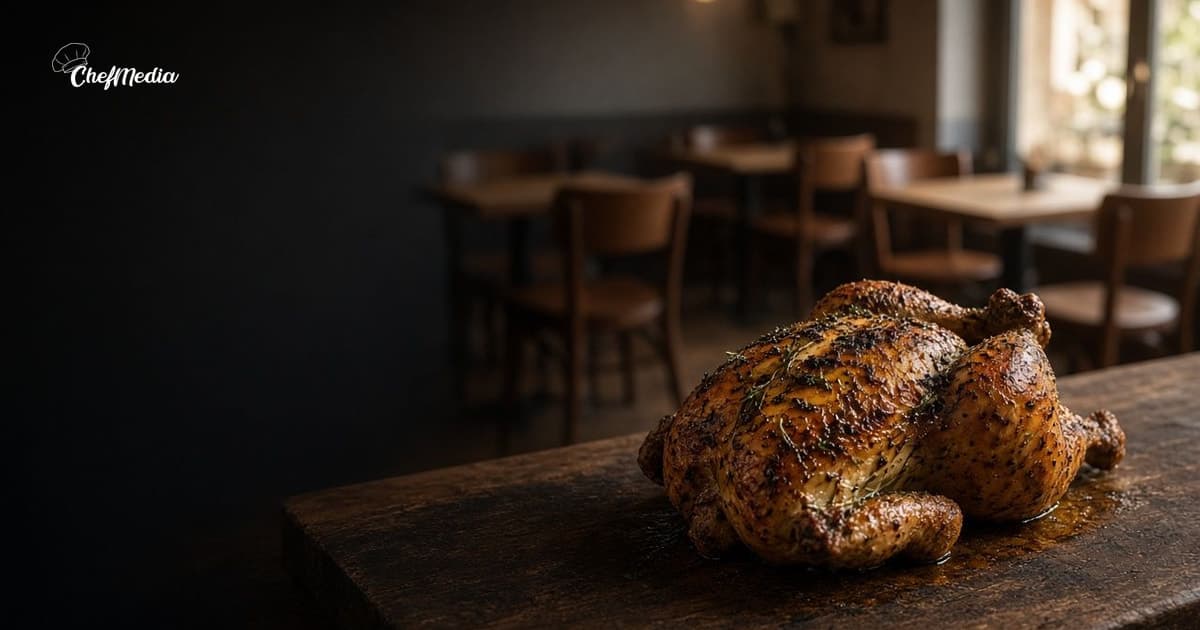
This post is what a server or a host can capture during service. The kitchen's own photos are a different habit: behind-the-scenes posts. A name, a job, and one fact about a person is a staff spotlight. A picture the guest already took is a reshare. Do not turn a pour into a portrait, and do not post someone else's photo as if the floor took it.
Shoot what the floor is already doing
You do not need a shoot day. You need one thing that is already happening, in a second that does not make a guest wait. If the section is in the weeds, the photo waits. A missed frame is better than a missed table.
- The room filling up. The host shoots one frame from the stand while the next party is still walking in, not while they are waiting to be greeted. Backs of chairs and the room, not a row of faces.
- The specials board. Close enough that a follower can read the dish, between seatings. If a sticker or another company's name sits in the frame, crop it or move.
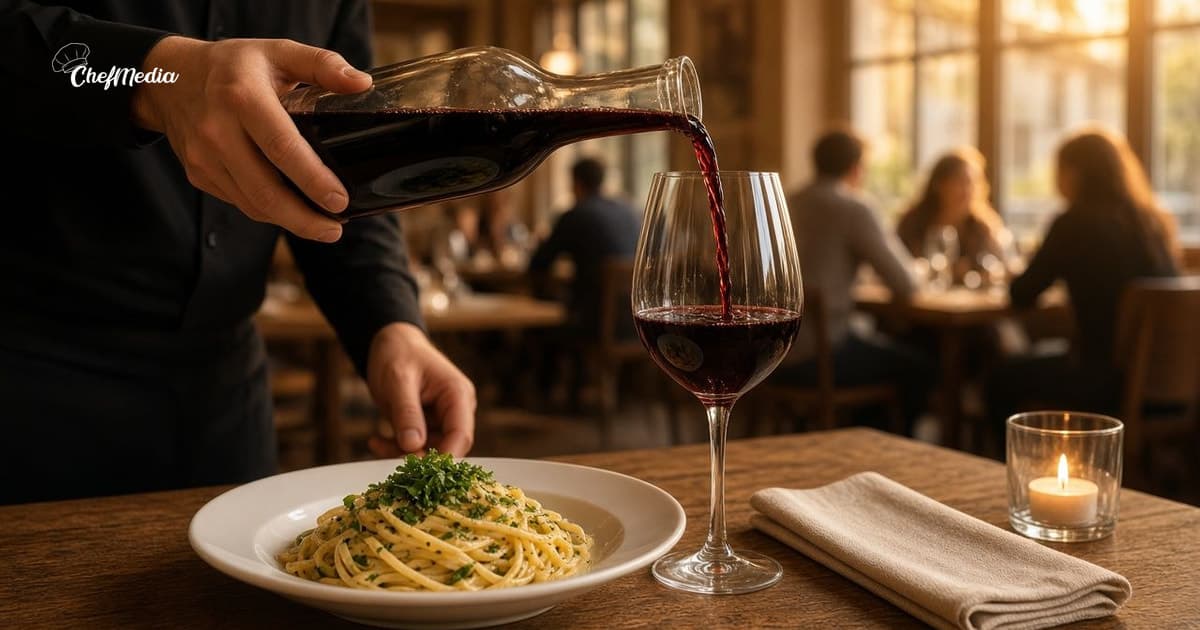
- A drink being poured. The pour they were already making: wine, a cocktail leaving the shaker, a beer from the tap. The phone comes up for that second, then the table gets the glass. Turn the bottle so a label is not the middle of the frame.
- Tableside finishing. The cheese, the sauce, the last herb, after the guest has the plate. Do not hold the dish in the air for a better angle.
- A birthday dessert, with the guest's OK. Ask before the candle comes out. If they say no, do the song your house already does and skip the photo. If a child is the birthday, skip the post.
- The bar at golden hour. One frame from the well when the light is actually on the wood, before the rail fills. If tickets are stacked, skip it. Not a line of people.
- Closing-time reset. After the last guest has paid and left: glasses polished, chairs in, the bar wiped. Not while someone is still signing a check. No checks, no cards, and no reservation book with names on it.
Five frames of one of those is enough. You do not need all seven in a week.
How to shoot that on a phone is the habit you already use for a plate. Stand where the light is already good. Fill the frame with the glass, the board, or the table. If a tap, a bottle, or a tray puts another company's mark in the middle, move the frame.
Ask before a guest is in the frame
Hands, a glass, the board, and the empty room after close do not need a conversation. A face does. A birthday does. A table that is clearly one party does.
A line that works:
"Mind if I grab a photo of the dessert for our page? Totally fine if you'd rather we didn't."
Then stop talking. A yes is a yes for that photo, on the account you named. A shrug or a silence is a no. If other adults are in the frame, they get the same question. If a child is in it, do not post it.
Shoot from behind the table, or crop to the plate and the glass, and you will ask less often. One yes is not a yes for the next table. If they change their mind, leave it out, or take it down that day.
A photo the guest already took is a different ask. That is the reshare habit. This post is the picture your floor took.
Name who holds the phone
"Everyone on the floor should post" means nobody posts, and then it lands back on you. Pick one person per shift before the week starts. Write the name on the lineup, next to sidework.
- The host shoots the room or the specials board once, between seatings.
- One server shoots a pour or a tableside finish during a quiet minute in their section.
- Whoever is on the bar shoots the light when it is there, or the reset after close.
"Priya: one photo of the room" is a sidework item, like polishing the glassware. It takes two minutes. They post it themselves when the section allows, or they leave the photo where the rest of the floor can put it on the calendar. You look at it only if you want a second pair of eyes. If every frame still has to pass through you, the floor will stop taking them.
Rotate the name, or the account becomes one person's camera and everyone else stops noticing. Next shift, the next name. One or two a week is a pace the floor can keep. Whoever holds the phone, the caption is what you would say at the door. If two people shot tonight, post one and save the other. A note on the lineup says what went out, so the next shift does not repeat the same pour.
Say what the picture is, then stop
The caption is what you would tell a regular who asked what they are looking at. Name the thing in the frame. Say whether a guest can still get it. Then stop.
The dining room around 6. A few tables still open. Walk-ins are welcome until the book fills.
House red, by the glass, tonight.
The bar after close. We are back tomorrow at 5.
A birthday post names the dessert and stops. It does not name the guest unless they asked you to. The board has to match what the kitchen can still fire. If the special sold out, do not post it as if it is still on.
Read it out loud. If it sounds like a slogan, cut it back to the room and the hour. Captions that sound like you is the same rule you already use at the door. The photo can be from 6. The post can go out at 4:30 the next day, or that afternoon if seats are still open. When to post is the clock. Put the same words on Facebook.
Put the name on the lineup before the doors
You can set this up before service, the same way you assign sidework.
- Pick the moment that is real today: the room, the board, a pour, a tableside finish, a birthday they already said yes to, the bar in the late light, or the reset after close.
- Write one name next to it. Done means five frames, one moment, and no guest face unless they already said yes.
- They shoot it between tasks. If the table is waiting, the photo waits.
- Write the caption the way you would say it at the door. If the special on the board is gone, fix the line.
- They post it to Instagram and Facebook, or they leave it for whoever handles the calendar that afternoon. Tell the door what you promised, if you promised a dish, a seat, or a time.
What to leave out
A floor post fails in a few familiar ways:
- A greeting, a pour, or a birthday song stopped so the angle is better.
- Guest faces you did not ask about, or a child at a birthday.
- A check, a card, a reservation list, or a name on the book.
- A bottle label, a tap handle, or a tray mark you can read.
- The whole staff lined up at the host stand. A portrait is a staff spotlight, and you ask first.
- Five posts in one night, then nothing for a month.
If the only person who can publish is you, the habit is still you. Put the name on the lineup first.
One person, one moment, this shift
You are not asking the floor to run a second job. You are asking one server or one host to point a phone at work that is already happening, and to put that frame where a regular can see it.
Name who shoots. Pick the room, the board, a pour, a tableside finish, a birthday they approved, the bar in the late light, or the reset. Post one of those this week. Next shift, the next name on the lineup does the next one.
ChefMedia is social media posting, handled by your restaurant staff. Servers and hosts upload the photo and post it to Instagram and Facebook themselves from one shared calendar, photos are tagged by dish automatically, storage is unlimited, an admin can set Posts need approval, and Write caption with AI runs only when someone taps it. Free for every restaurant. Sign up at chefmedia.ai (opens in a new tab).