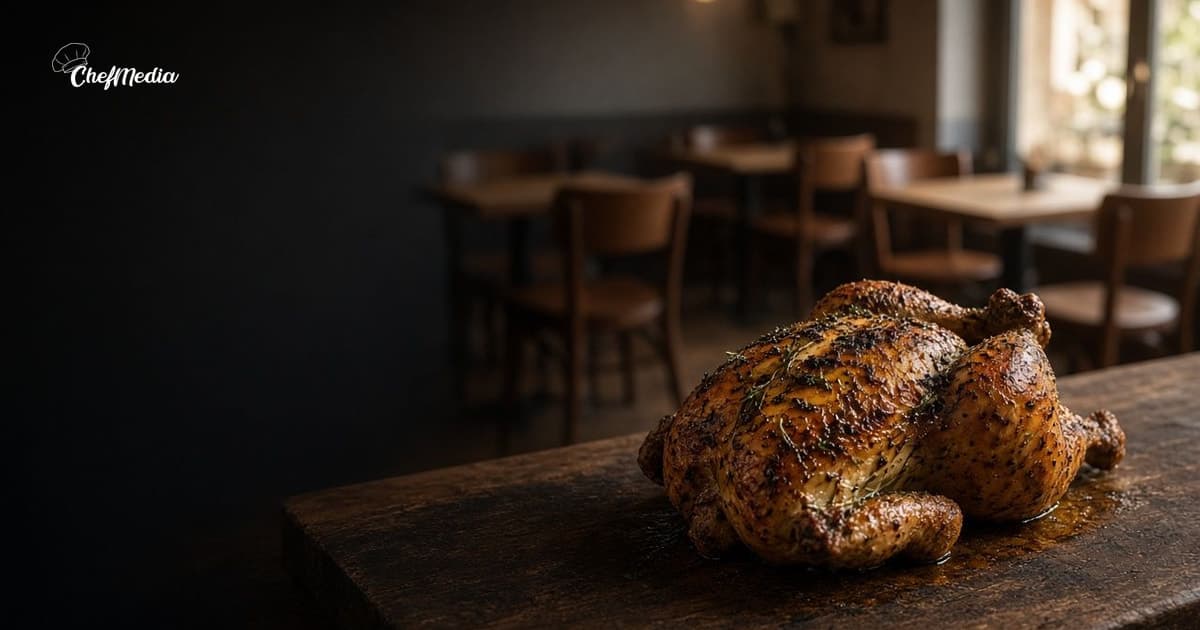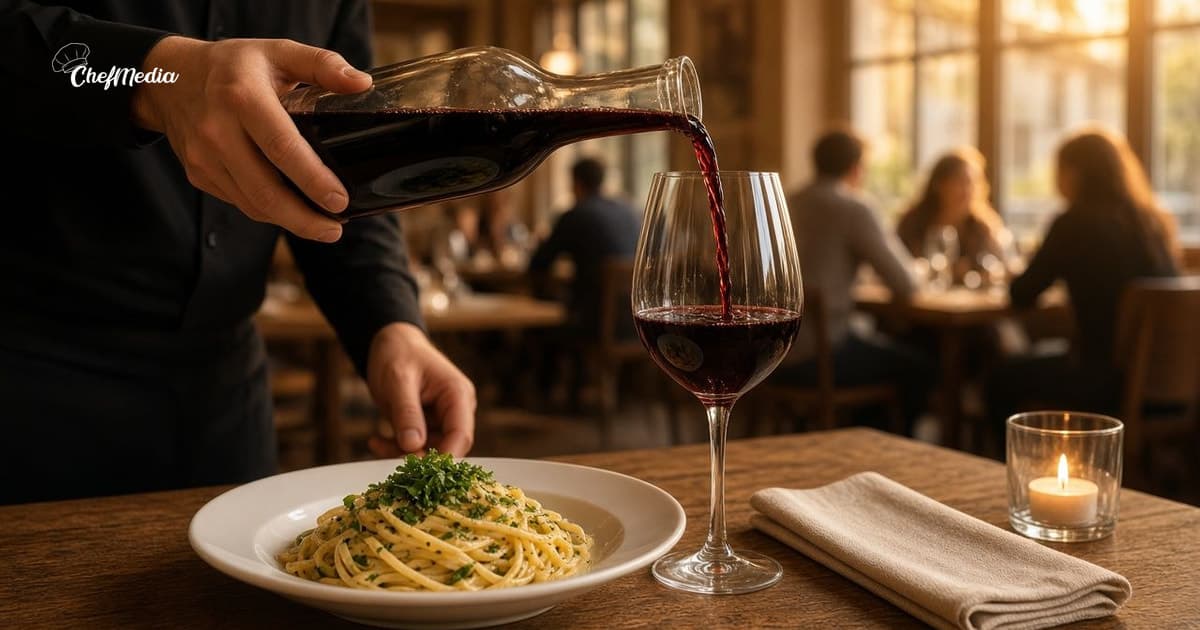
Restaurant photos that make people want to come in
You do not need a photographer. A phone, a window, and a few habits beat a dark overhead shot of the whole table.
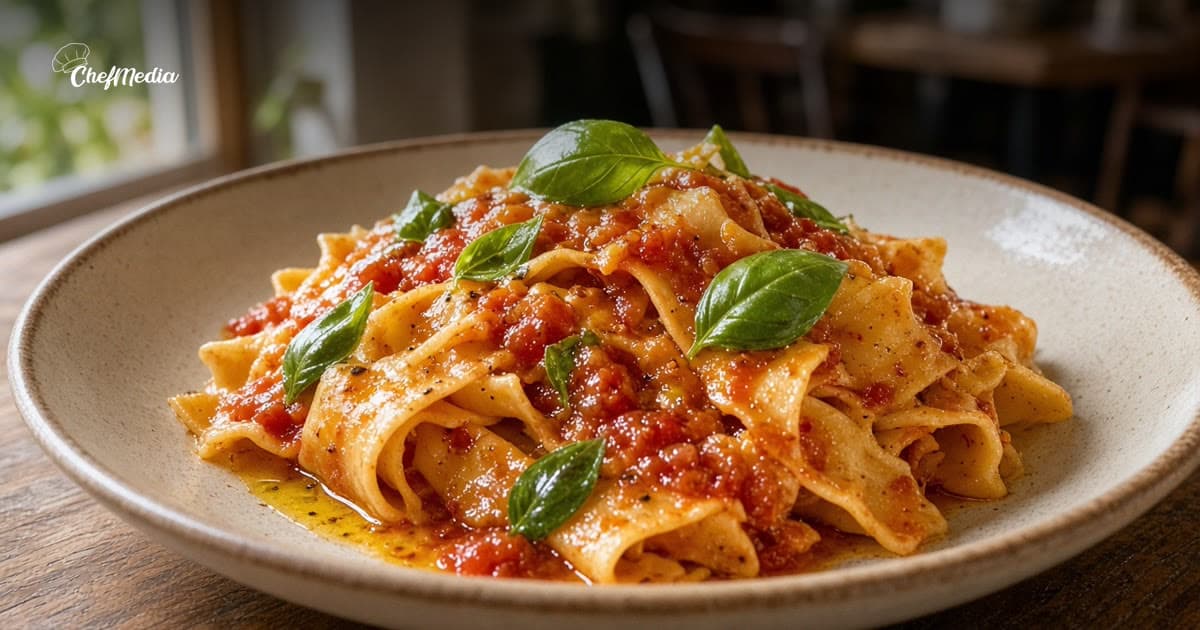
One plate, close, in real light
The photo that fills a table is usually simple to set up. One dish. Fill the frame. Stand near a window or an open door. Turn the overheads down if they make the food look gray.
You already know the plate. Shoot it the way you would show a friend who asked what to order.
Shoot before the rush, from a real portion
Plate a normal serving. Not a tiny styling portion, and not the one that got bumped on the pass. Do it before service, when you can spare two minutes and the dish still looks like the one a guest will get.
A short list that works on a phone:
- The dish you are proudest of this week, from the side, so people see height and texture.
- A hand adding the last spoon of sauce, cheese, or herbs. Hands feel alive. Keep faces out unless the person said yes.
- The specials board, or the menu line you want them to order, straight on, so the words can be read.
- The front door or the dining room before guests sit down, so the room looks welcoming. Ask before you photograph a guest.
Five frames is enough. You do not need a shoot.
What to skip
These are the shots that make a good restaurant look careless:
- Flash straight down on the plate. It blows out the sauce and makes the table look harsh.
- A photo of the whole table from above. The dish gets lost.
- A messy pass, a dirty napkin, or a pan that is not part of the story.
- A logo stamped over the food. People came for the dish.
- A picture you would not want sitting on the table next to a guest.
If the light is bad, wait for the window. A clear photo tomorrow is better than a dark one tonight.
Keep a small habit, not a content plan
Pick one quiet moment in the week. Before Friday service is a good one. Plate the special, take those five frames, and put the phone away.
Use the best frame in the afternoon, when people are still choosing dinner. The rest can wait for a slow day or a Story. Timing is covered in when to post for a restaurant.
Write the caption the way you talk at the table. Name the dish. Say if it is only tonight. Tell them how to get a seat. That is the whole post.
When you do not have a new photo
Use a recent one you still stand behind. Say what is true today in the caption, even if the picture is from last week. Do not pretend a sold-out dish is still available.
ChefMedia is social media posting, handled by your restaurant staff: photos the team uploads are tagged by dish automatically, storage is unlimited, and cooks, servers, and managers post them to Instagram and Facebook from one shared calendar. An admin can set Posts need approval. Write caption with AI runs only when someone taps it. Free for every restaurant. Sign up at chefmedia.ai (opens in a new tab).
Holidays need a picture too, and they need a date. Plan those posts before the week gets away.